What happens after you paste a link
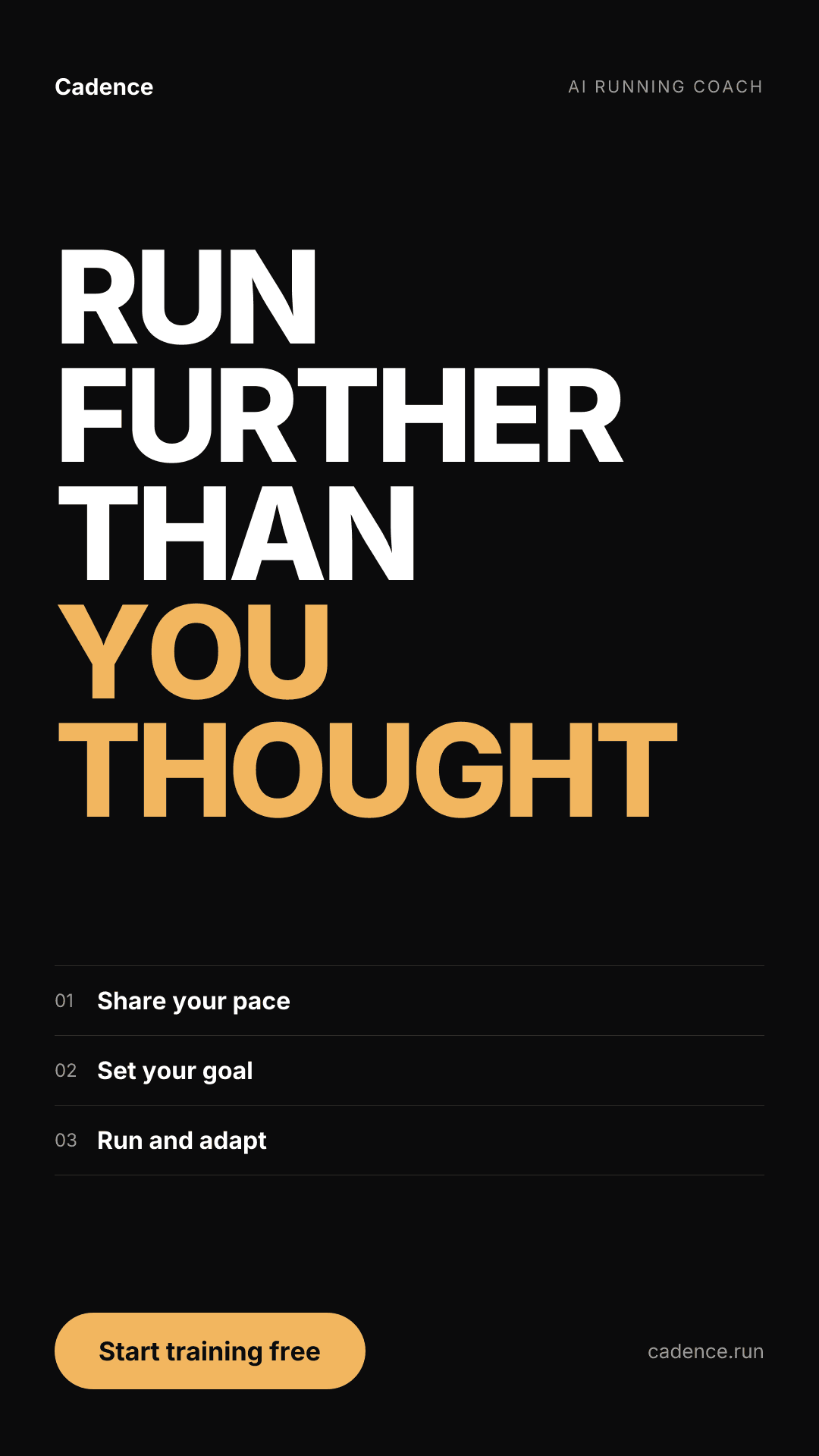
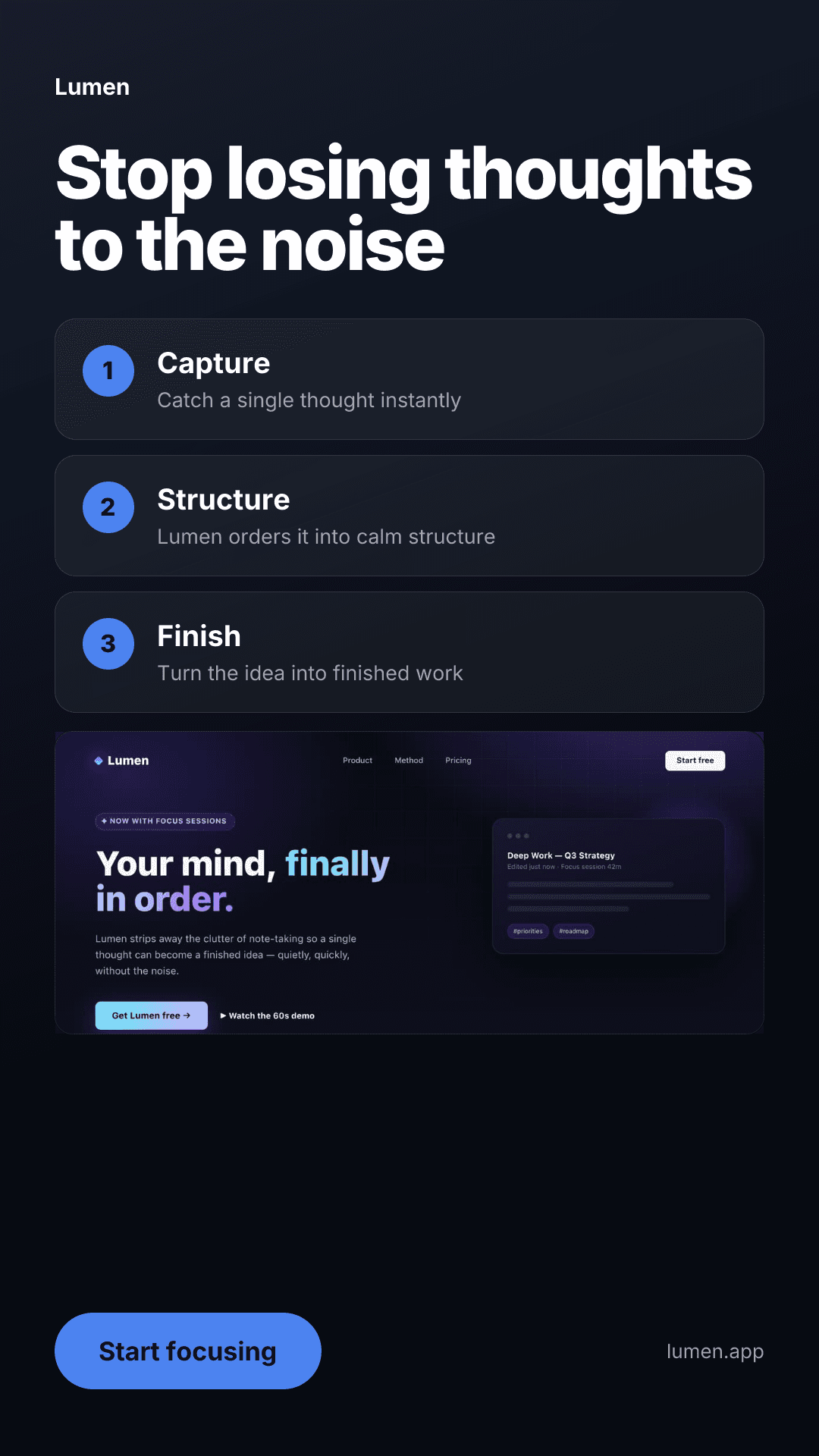
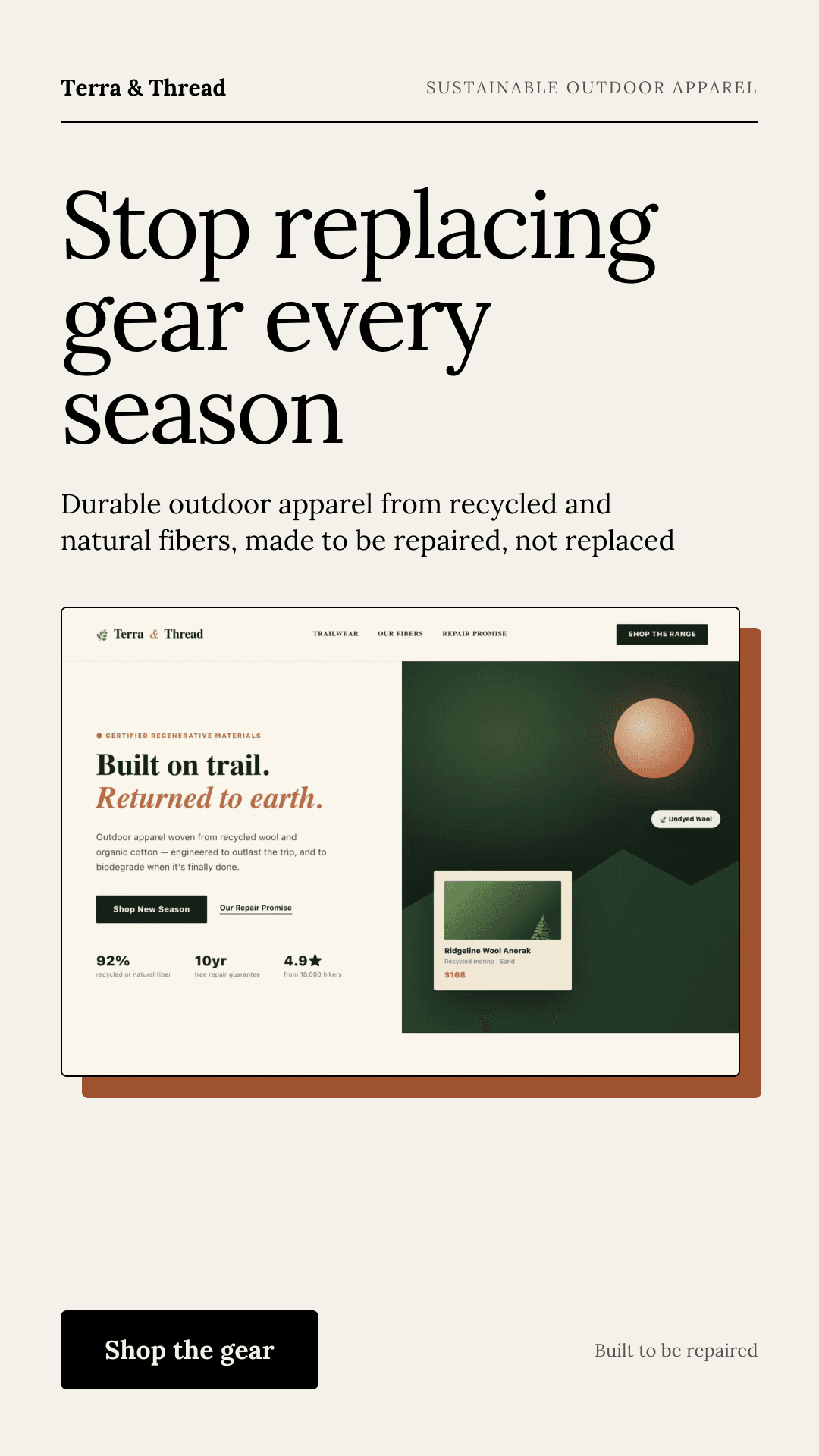
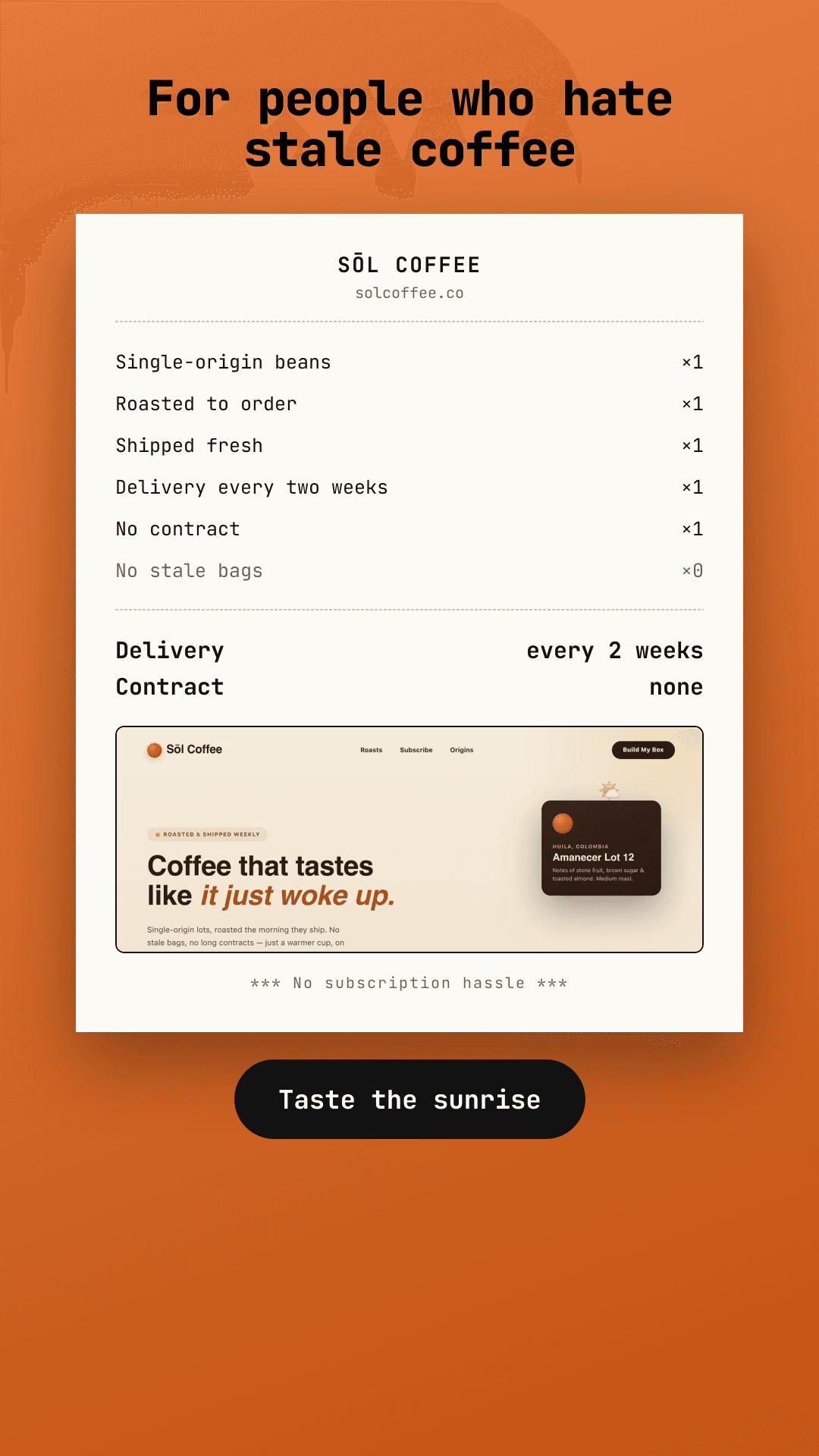
We load your page in a real browser and capture it, write a headline, subheadline, and call to action from what the page says, and compose everything over a background tinted from your site's colors. It usually takes 30 to 60 seconds, and you get a PNG at the end.
Why a screenshot ad works
A screenshot shows people the real product before they click, so the ones who tap through already know what they're getting. It's also the fastest way to make an ad that looks like your brand: your fonts, your layout, and your colors, without a designer redrawing any of it.
Which pages work best
Any public page works: a homepage, a product page, a pricing page, or a launch page. Pages with one clear message and a strong first screen make the best ads. Pages behind a login can't be captured, and very heavy pages may not capture cleanly. If a capture fails, your credit is refunded automatically.
Make one, then make variations
Switch styles and layouts, change the color, edit the words, or change the format to Story, Feed, or Square. All of that is free. Only capturing a new page uses a credit.